Your phone's screen
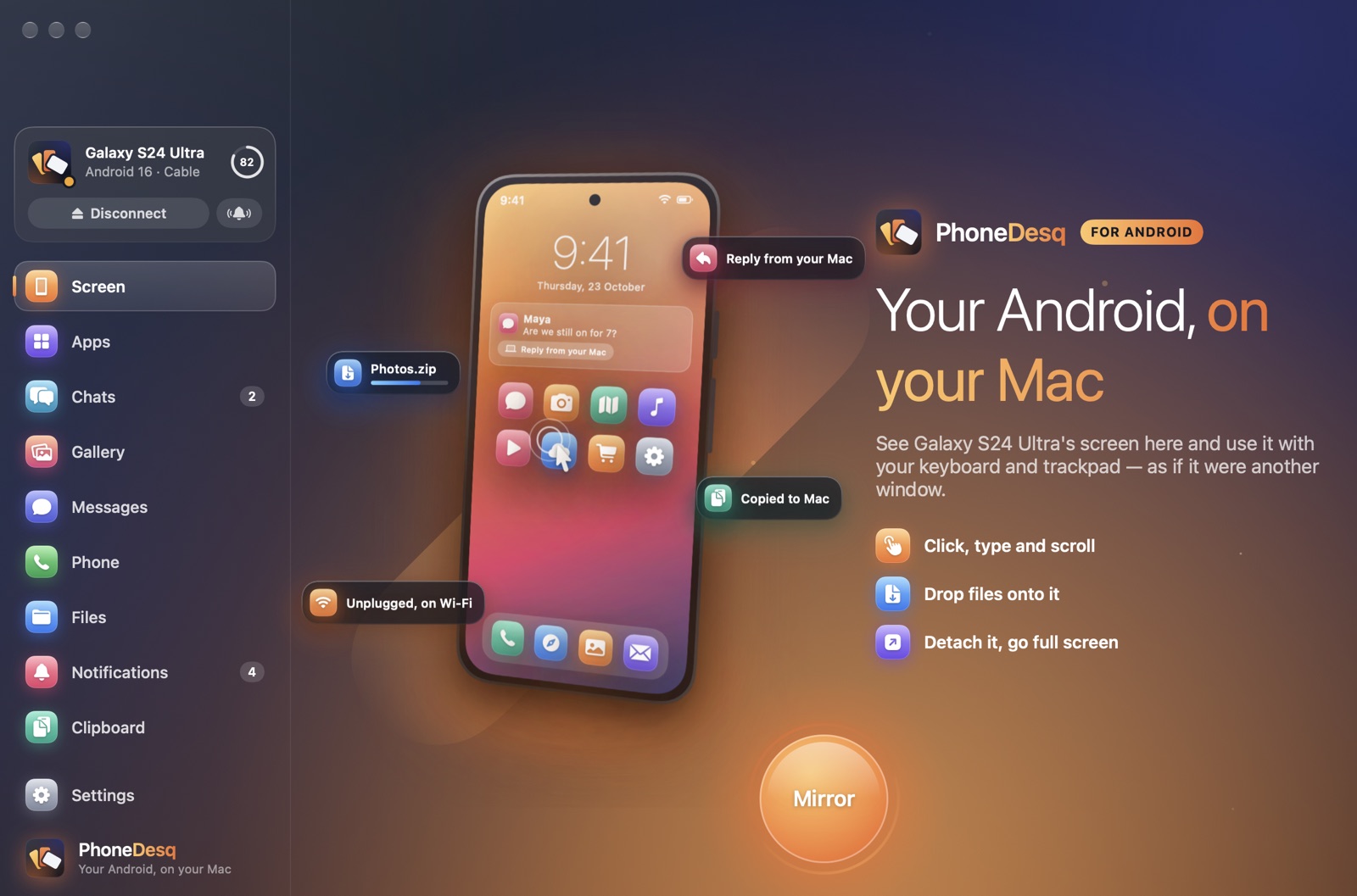
See and use your phone with your keyboard and trackpad, at full resolution and 60 frames a second over the cable. Detach it into its own window or go full screen.
Features
Each part of PhoneDesq is a section in its sidebar. Turn off any you don't want — what's off is never read from your phone.
See and use your phone with your keyboard and trackpad, at full resolution and 60 frames a second over the cable. Detach it into its own window or go full screen.
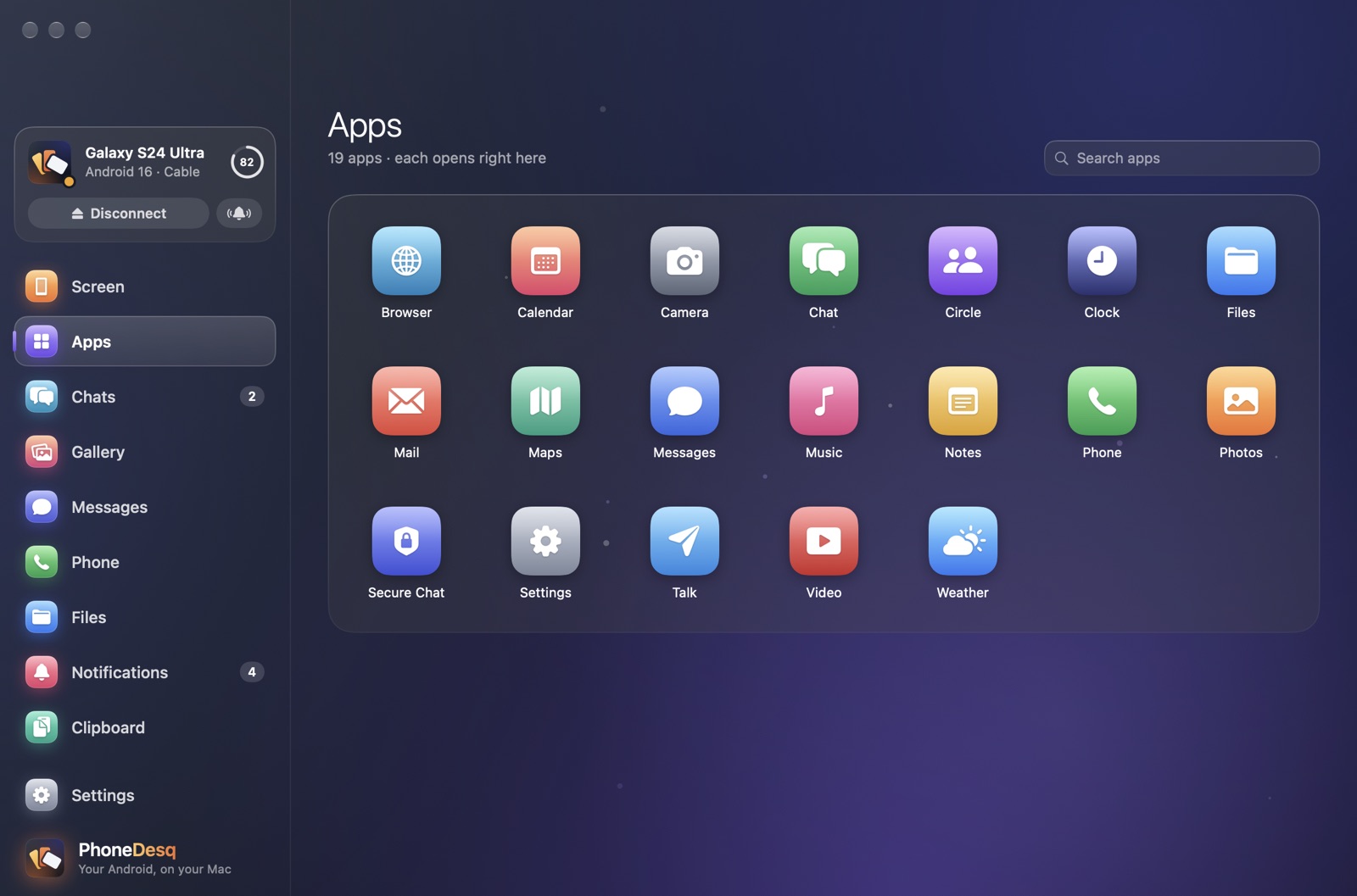
Any Android app in its own resizable window, laid out like a tablet. Several at once, each in the Dock and ⌘-Tab — while your phone stays dark.
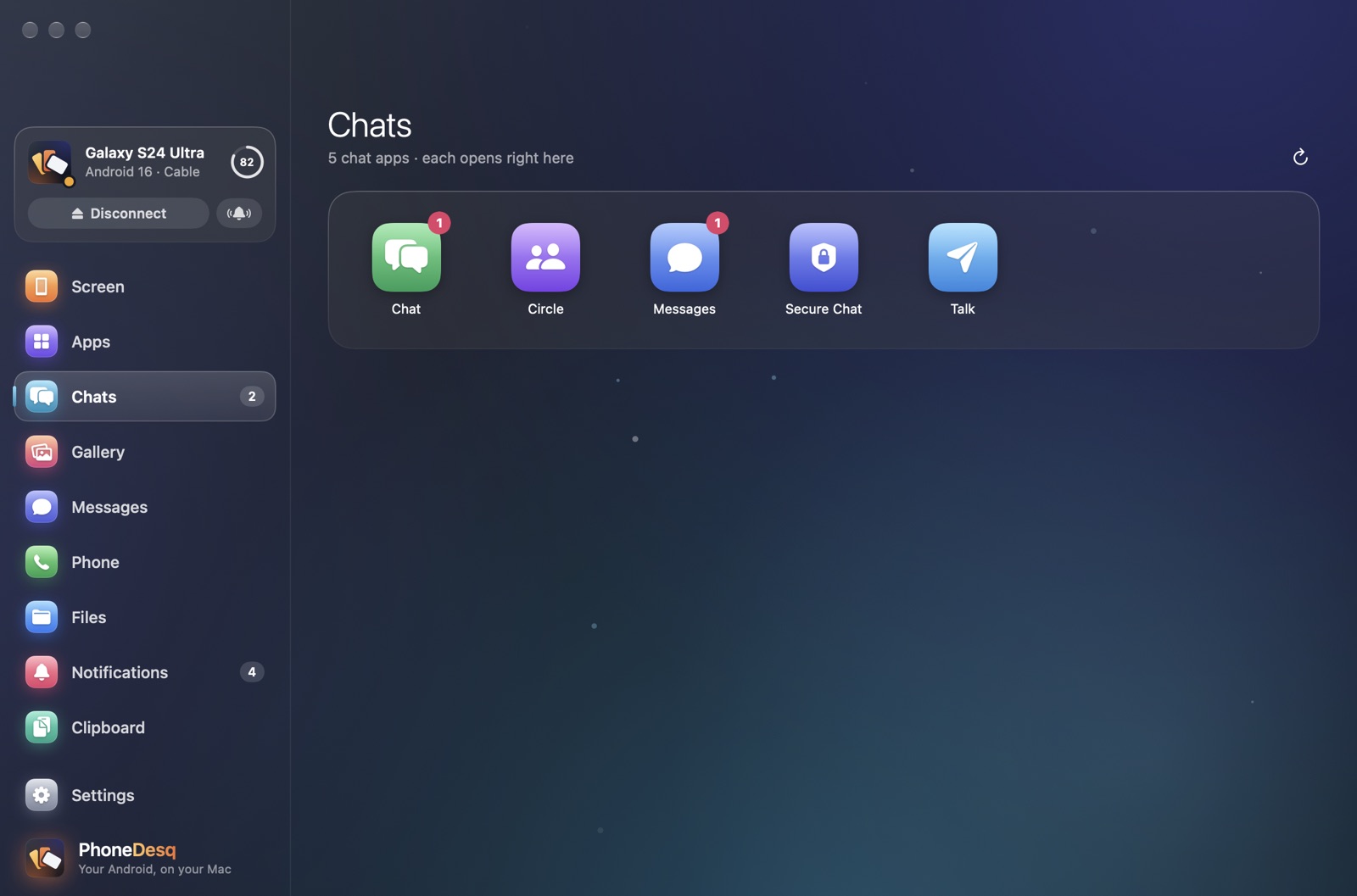
WhatsApp, Telegram, Signal, Messenger and other chat apps in one place, each opening as the real app with every conversation.
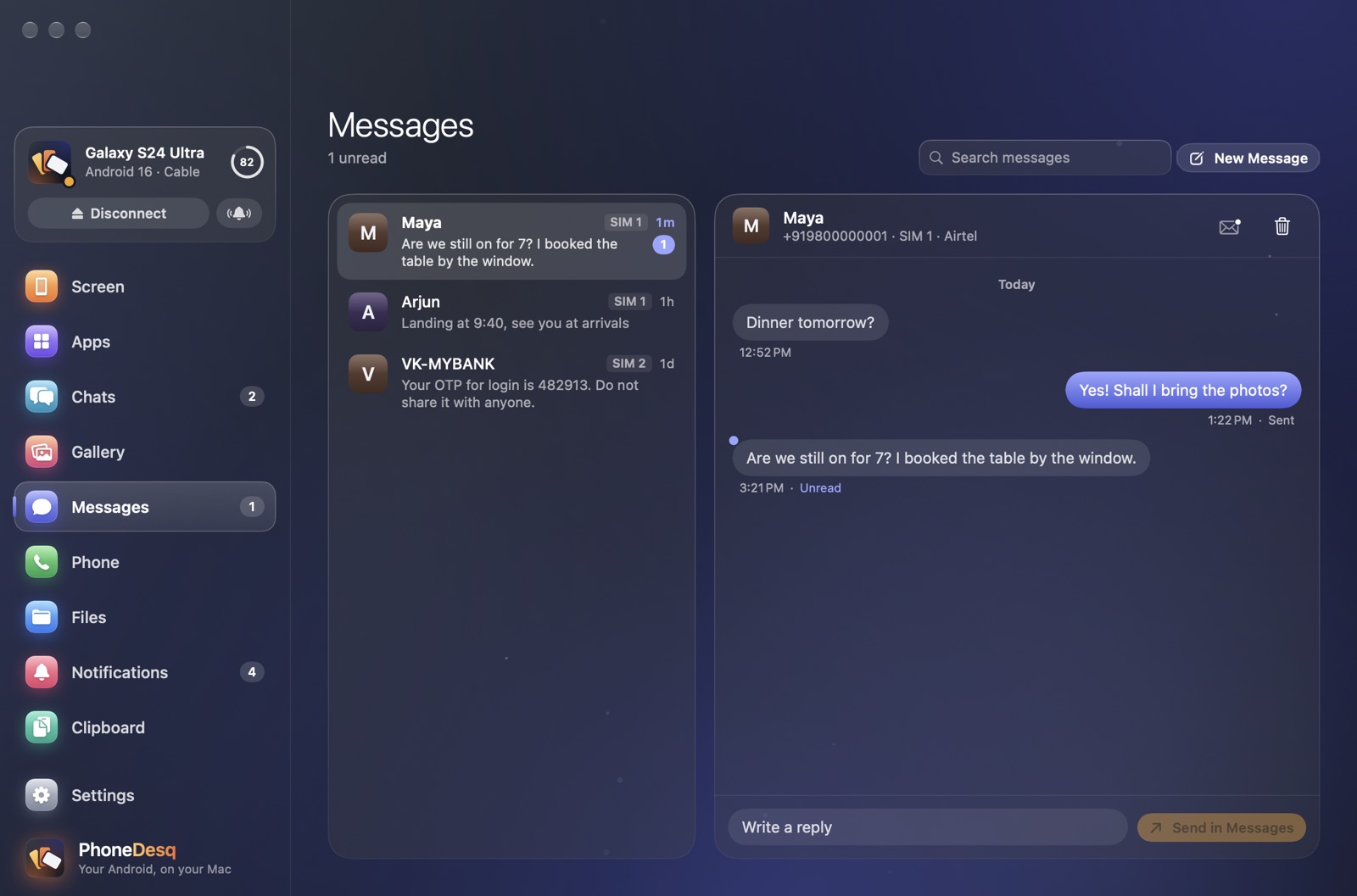
Your texts, by conversation, with which SIM they came on. Start a new message from your contacts and send it from your phone's own messaging app.
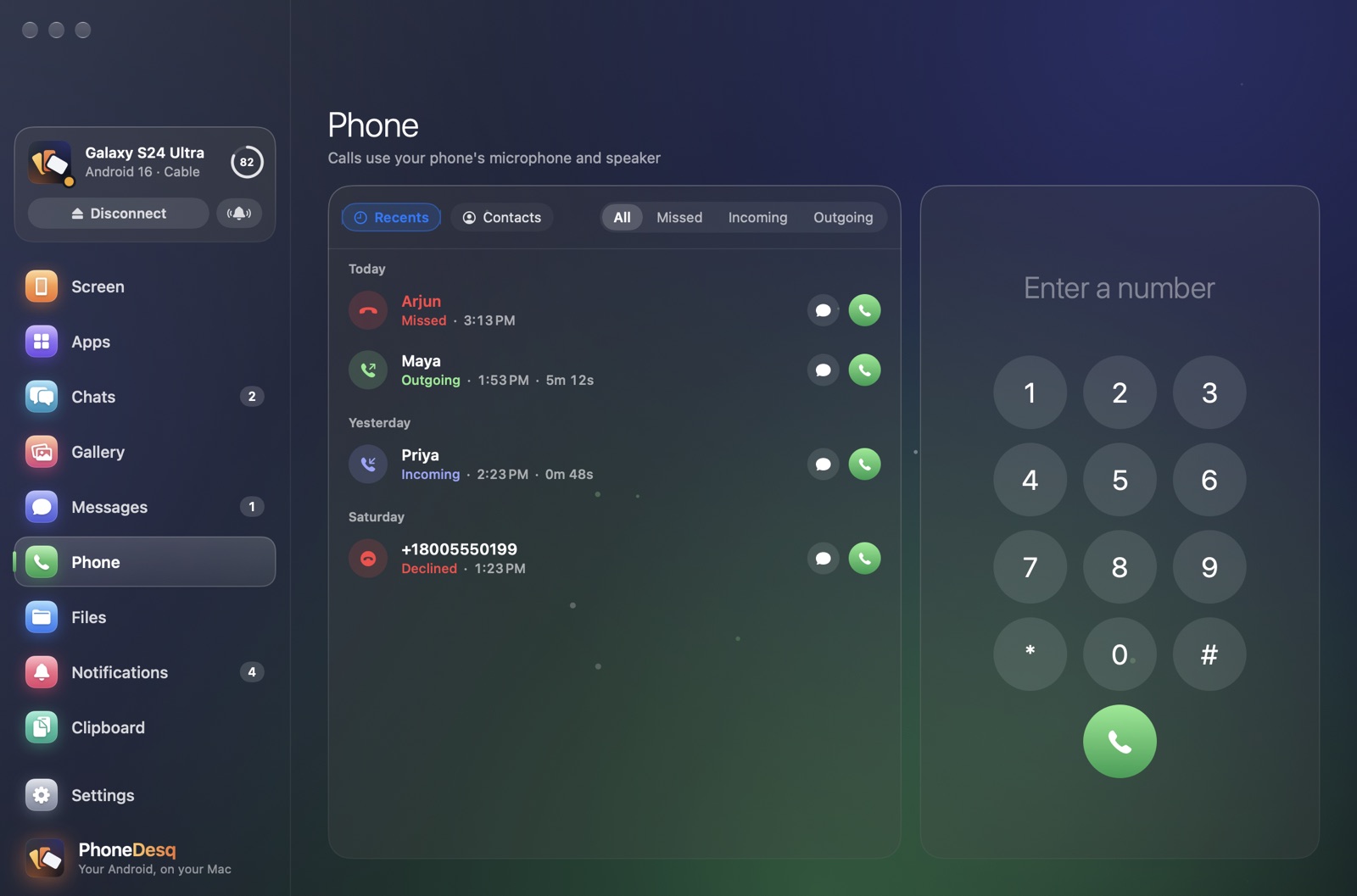
Recent calls and contacts, call from your Mac, and a floating card to answer or decline when your phone rings — with the call's sound on your Mac.
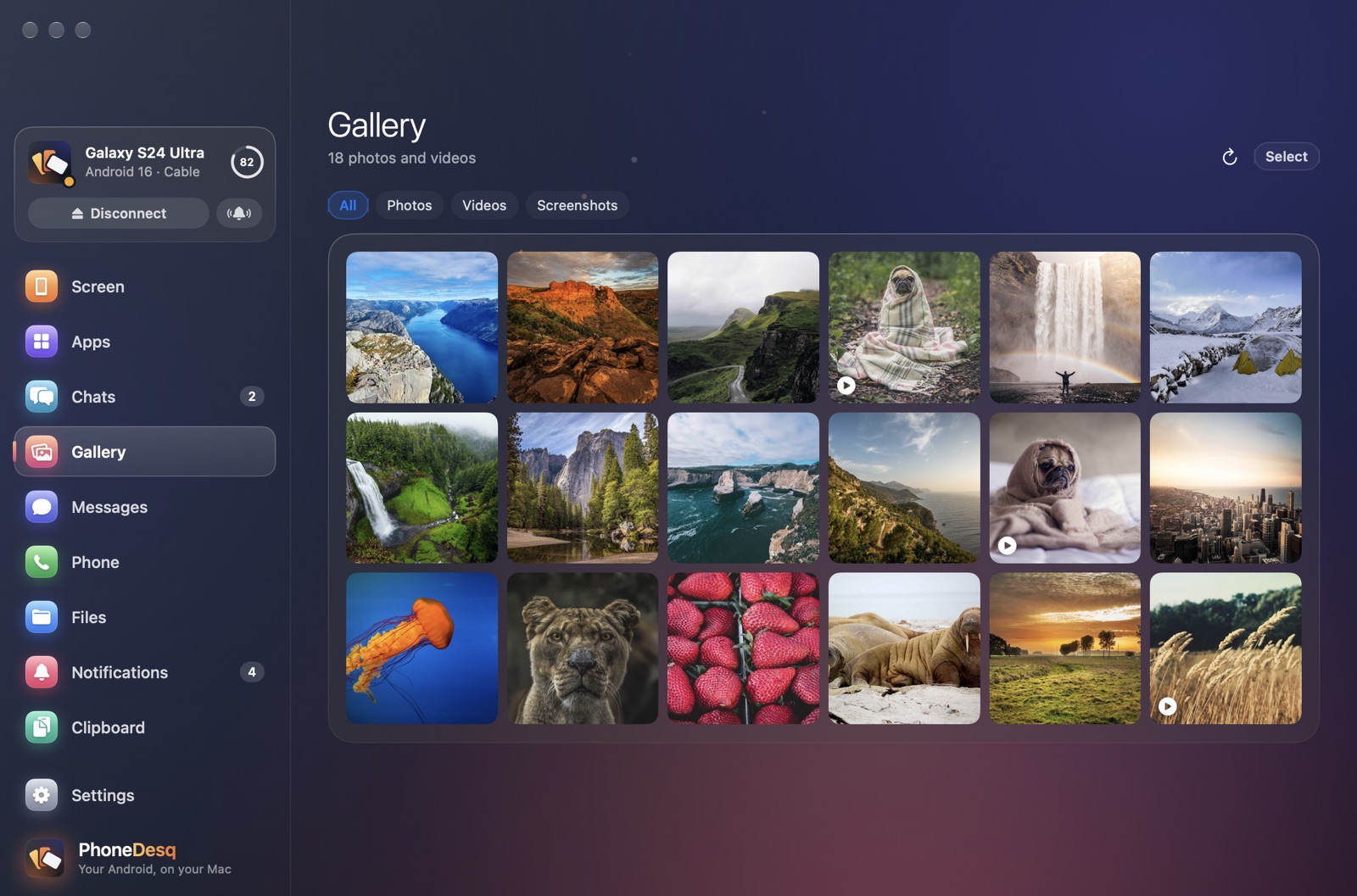
Every photo and video, newest first. Save originals byte for byte, or as JPEG, HEIC or smaller videos. Works without the cable too.
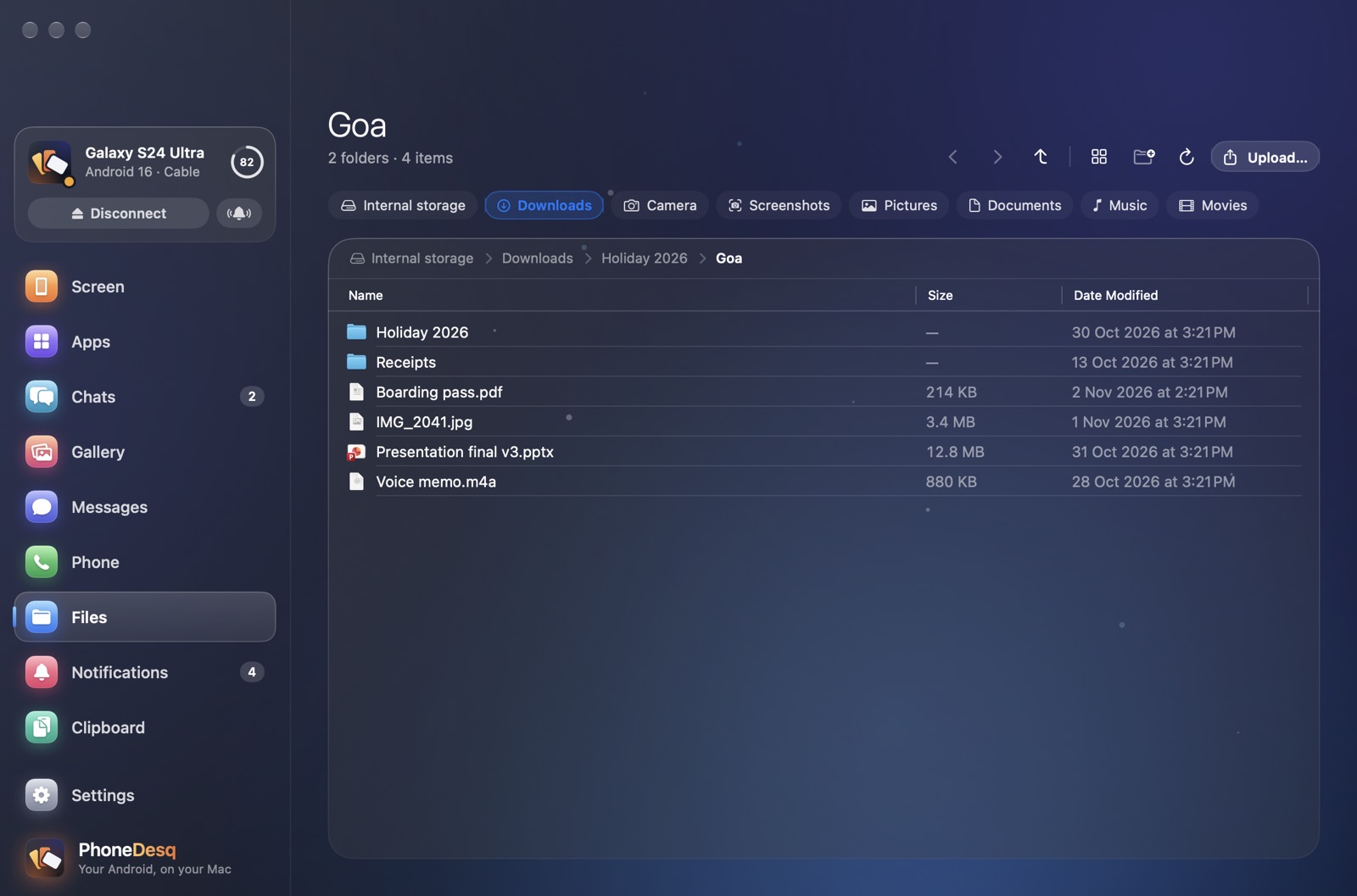
Browse your phone like a disk, drag files both ways, and resume big transfers where they stopped if the cable comes out.
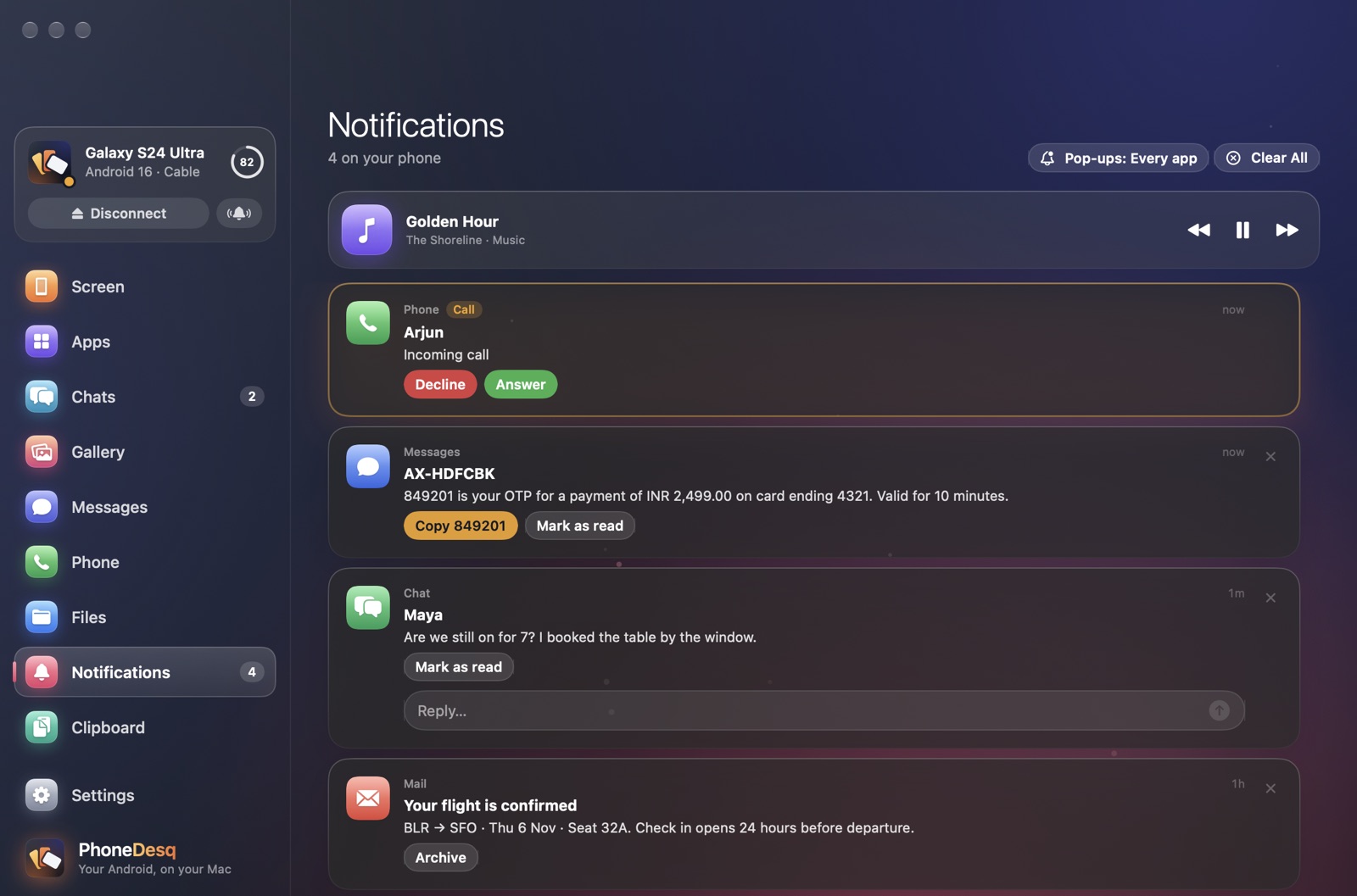
In Notification Center, with the app's own buttons and inline reply. Clear one, and it's gone from your phone too.
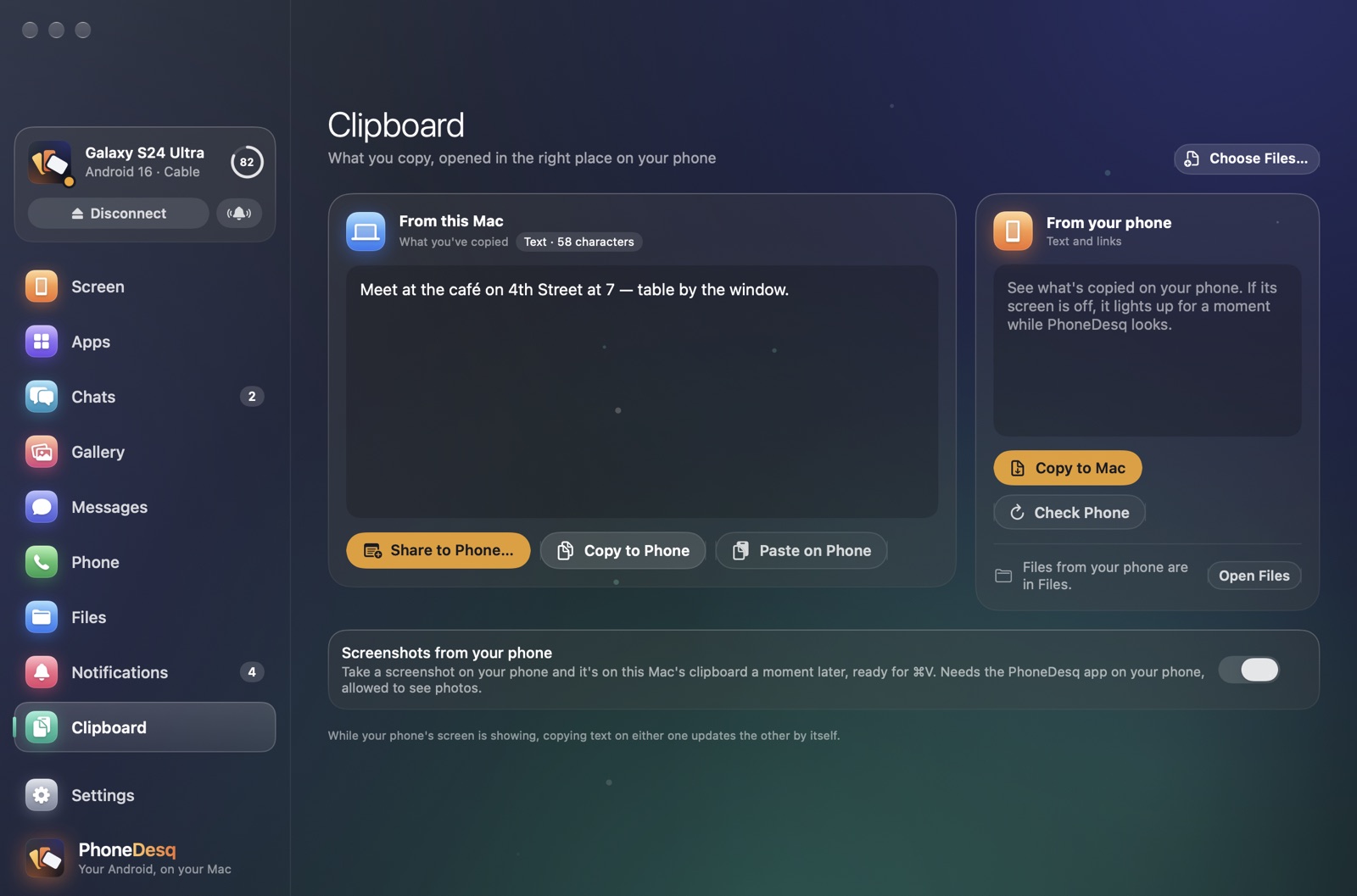
Copy on your Mac, paste on your phone — and back. Send text or a file in one click.
Android 5 or later. Apps as windows need Android 10 or later; phone sound on your Mac needs Android 11 or later. Some apps, like banking apps, hide their screen from other displays — PhoneDesq says so instead of showing black. Apps in Samsung's Secure Folder stay on your phone.
Download Free